Your Trusted Global App Store


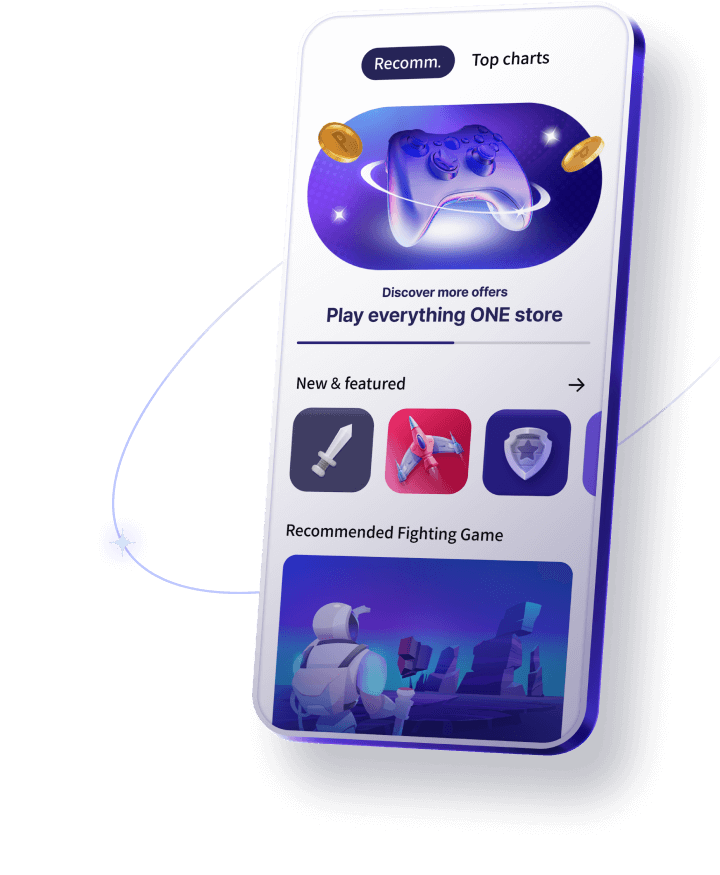
Play Anywhere, Anytime ONEstore is your all-in-one platform for gaming
All Apps,
Secure and Trusted
We follow international standards for personal information protection and data management.

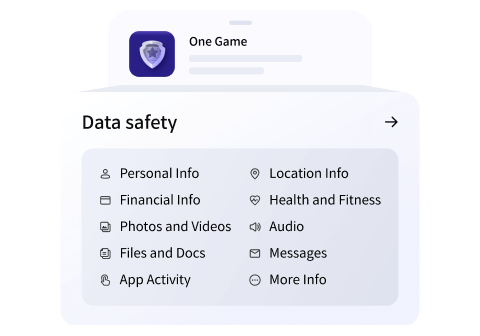
Data collection and sharing by developers are fully transparent and avaliable for user review.

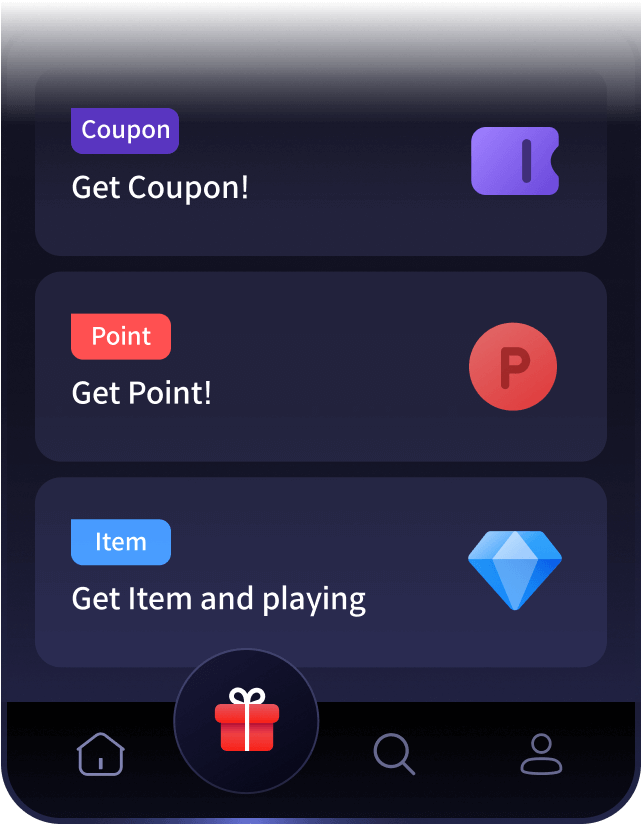
Gain Endless Benefits
Spend smarter with ONEstore benefits
like point-back events and coupons for popular games.

ONEstore
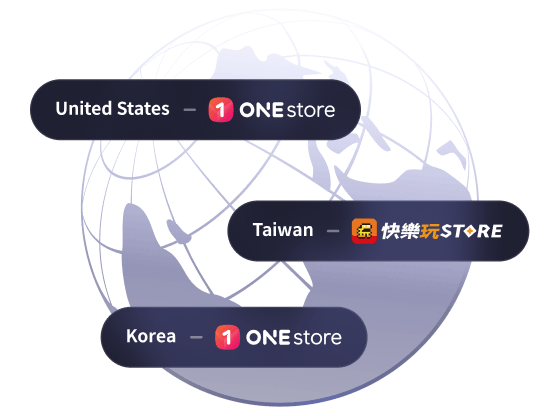
ONEstore is an app store born in Korea, now available in 100+ countries.

How to install ONEstore
The menu may vary depending on your OS and device.
- Cancle
- Install
- Done
- Open
Can't install ONEstore?
-
Check supported version
Currently, ONEstore can only be used in Android devices.
Available on Android Version 7.0 or higher.
ONEstore may not run on some mobile devices due to specification issues.
-
Check device settings
Please check whether 'Unknown Sources/Apps' has been enabled in the Android device settings.
For Galaxy device users, please check if the 'Auto Blocker' function has been disabled.